
How to Access the Placement Portal: A Step-by-Step Guide to Log In, Complete Your Profile, and Start Applying for Opportunities
Manish Chaudhary
Nov 18, 2025 2.2 min read

Introduction to Eduveda Placement Portal
Eduveda Placement Portal, accessible at https://placementsdrives.eduveda.academy/login, is an advanced platform that connects students to verified opportunities, allows them to track placement drives, and claim their internship stipends and project remuneration efficiently.
1. Access Requirements and Credentials
• Placement Assistance Enrollment: Access to the placement portal is exclusively for students who have enrolled for placement assistance at Eduveda Academy.
• Backend Credentials: Login credentials to the placement portal are provided directly by the Eduveda backend team after verification of your training progress and active assistance enrollment.
2. Logging in to the Placement Portal
• Visit https://placementsdrives.eduveda.academy/login.
• Enter your assigned User ID and Password in the login form.
• If you face issues logging in, placement support is available at support@eduveda.academy.

3. Student Opportunity Hub Dashboard
• After logging in, you land on the student “Placement Cockpit” which gives a summary of active placement drives, in-portal opportunities, and partner openings.
• The interface is streamlined for students to track curated hiring drives from Eduveda recruiters and partner companies easily.
The cockpit view provides real-time stats such as total active drives, internal Eduveda openings, and partner opportunities, helping students stay organized in their placement journey.

4. Browsing Available and Applied Drives
• All Drives: Shows every hiring and internship drive Eduveda is hosting or has partnered with.
• My Drives: Lists all drives you’ve shown interest in or already applied for, as well as your status in them .
• In-Portal Applications: Some opportunities allow tracking and status updates directly within Eduveda’s portal. Others link out to verified company sites for application.
• “All Drives” shows both in-portal and partner opportunities, covering key details like organization, location, job description, eligibility, and compensation.
• “My Drives” keeps track of where you stand in the hiring or internship pipeline, essential for following up on stipends.
5. Tracking Project-Based Remuneration
• Projects eligible for remuneration (like internships or campus ambassador roles) specify compensation details up front, for example: “Stipend: 15k PM.”
• Click “Track Status” on your applied internship drives to monitor approval, documentation, stipend processing, and completion requirements.
• The “Campus Ambassador” card displays stipend, location, and drive specifics. “Track Status” ensures transparent visibility into every step of the payout process .
6. Placement Assistance, Support, and Guidance
• Any slot or escalation issues can be resolved by reaching out via support@eduveda.academy, ensuring smooth processing of payment and documentation.
• The portal also features “Assistance Blogs” with tips on resumes, interview prep, and placement best practices for maximizing your placement journey and stipend eligibility.
• “Assistance Blogs” supplies curated, actionable resources to help secure better remuneration and prepare effectively for each drive.
Related insights
More from Placements assistance
 1 min read
Students
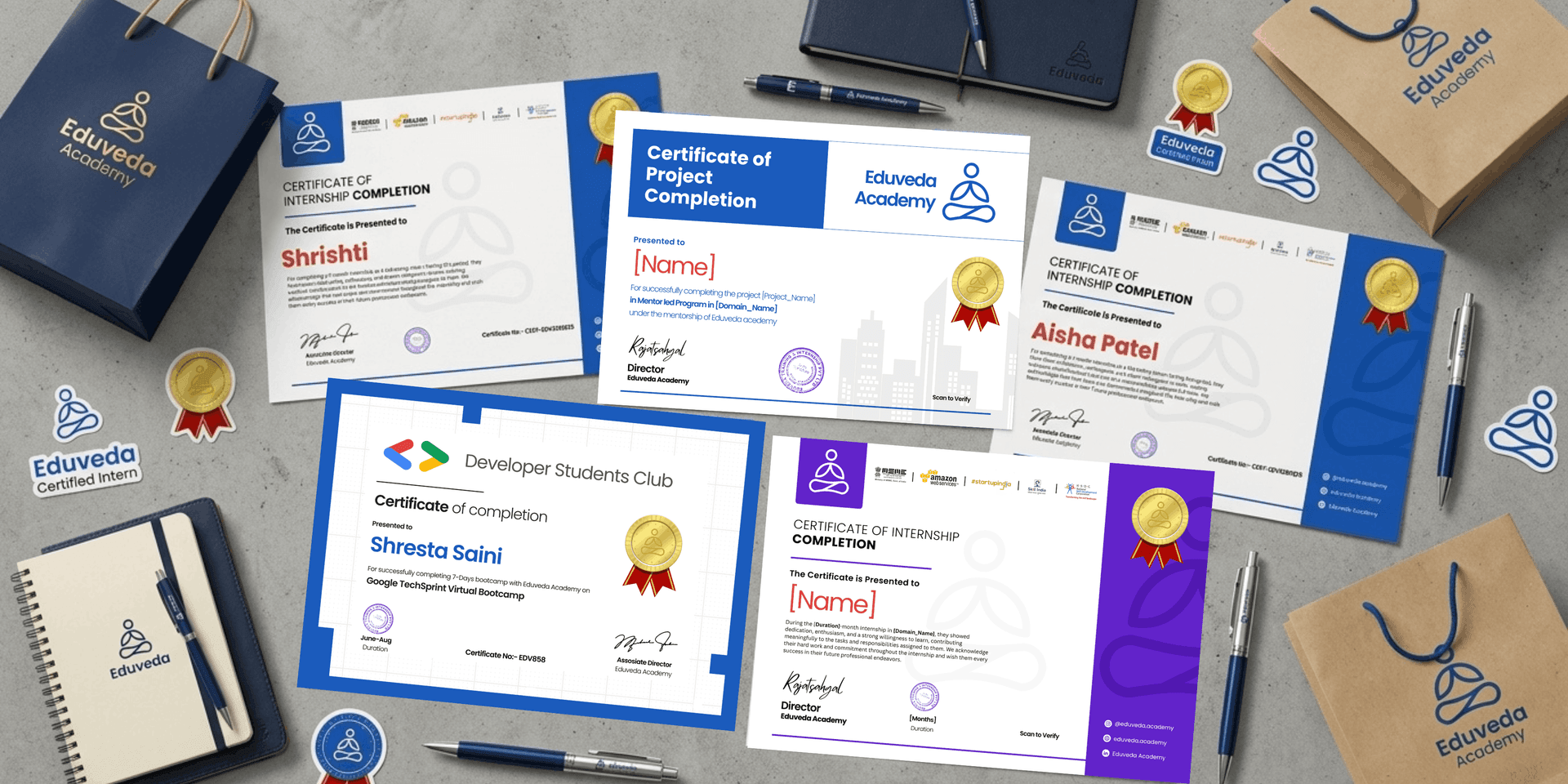
How many certificate students are getting completion of their training and internship?
1. Training Completion Certificate Students who opt for the Career Edge Program receive a Training Completion Certificate. It validates their participation in structured lear
Manish Chaudhary
Apr 30, 2026
 1 min read
Students
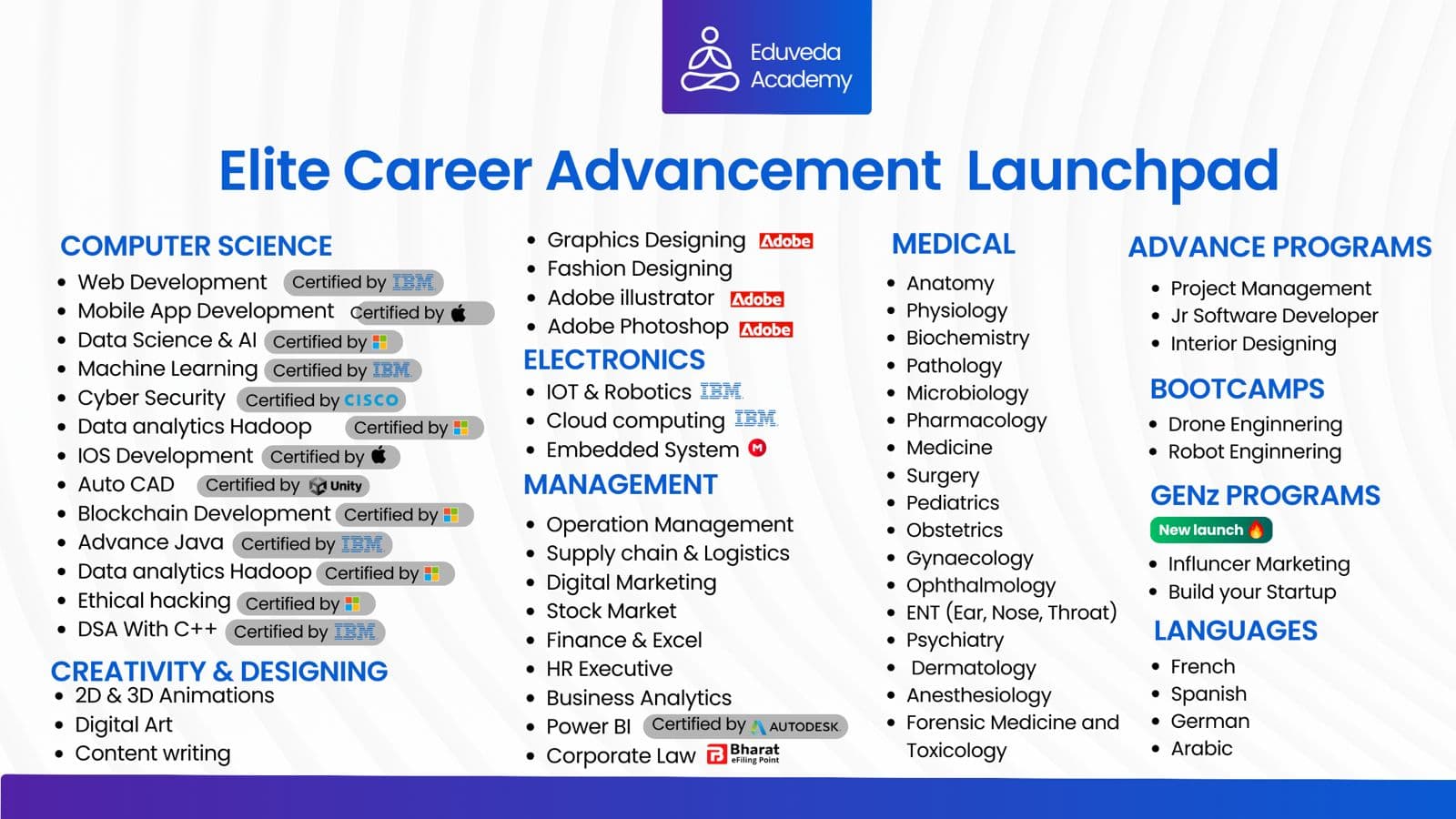
250+ Authorized Training Programs for Career Enhancement
COMPUTER SCIENCE Web Development — Certified by IBM Mobile App Development — Certified by Apple Data Science & AI — Certified by Microsoft Machine Learning
Manish Chaudhary
Apr 30, 2026