How to Choose a Live Session and Complete Your Training.
Eduveda Editorial
Apr 30, 2026 1.8 min read
Step 1: Create an LMS account
Go to: https://myclass.eduveda.academy
If you don’t already have an account, create a new LMS account there.
Step 2: Follow the account setup guide
If you’re unsure how to create an account, follow this guide: https://helpcenter.eduveda.academy/blog/how-to-create-lms-profile
now after cratug you wil have dasbjoard where you can get all your coirces you have enrolled

Step 3: View the course timeline
After logging into your LMS account, go to the course section and check the course timeline. This will help you understand how your training is structured and when your internship will begin.

Step 4: Explore the courses
You can explore all the courses from the self-paced sessions section. This allows you to learn at your own speed and access the materials anytime.

Step 5: Choose a live session
You can select one live session out of the four available options. You are free to choose any one domain that interests you and continue with it.

Step 5: Choose your domain for live sessions
You can select the domain in which you want to opt for live sessions. This helps you focus on the area you are most interested in and continue your learning in that field.

Step 6: Choose your batch
You can select the batch in which you want to enroll. Make sure to choose the timing and schedule that best suits you before confirming your enrollment.

Step 7: Batch approval and access
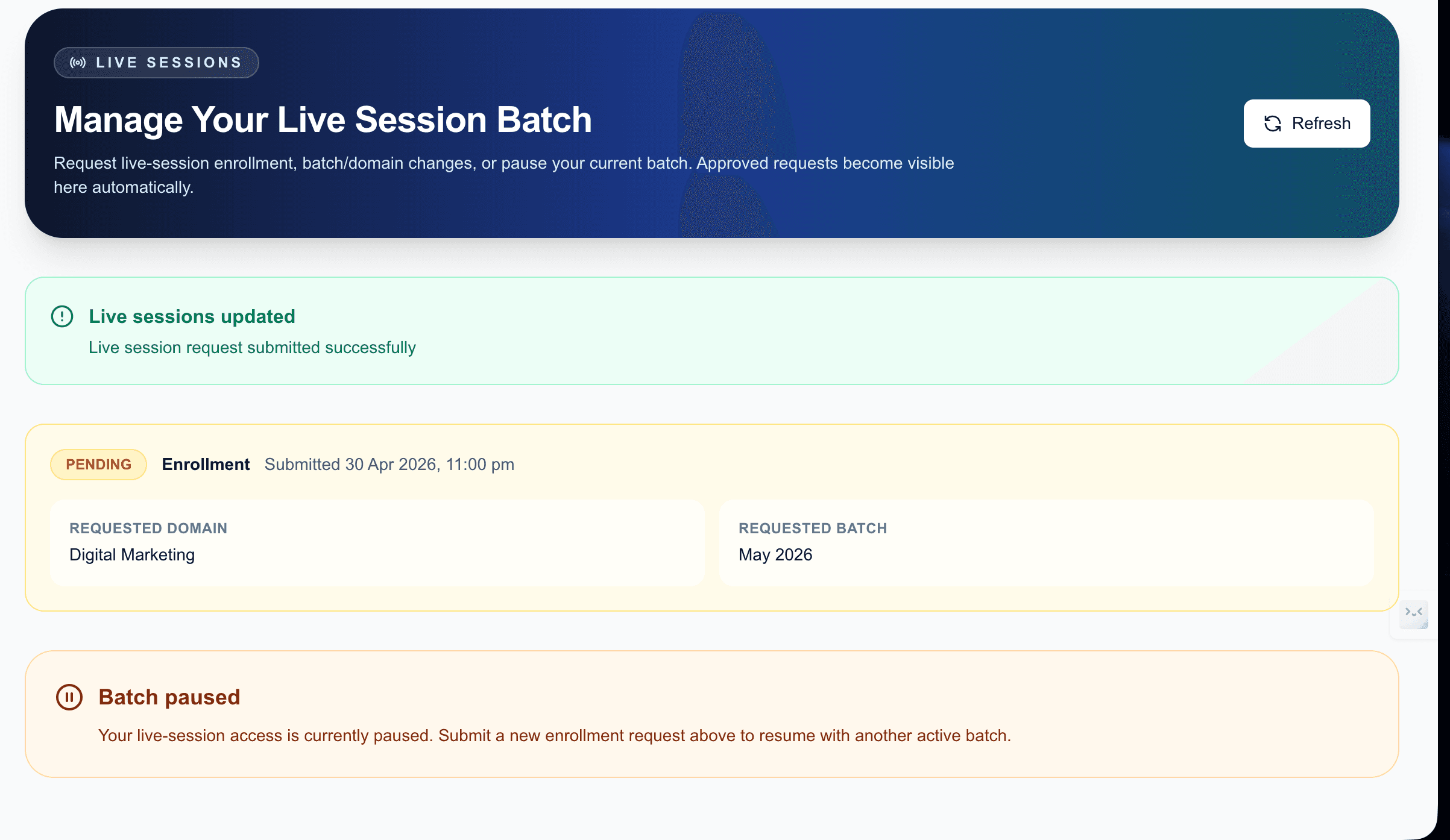
After you apply for a batch, it will be marked as pending. Once it is approved by the backend team, you will be able to access all live session links.
You will also receive updates about classes via WhatsApp and email after your payment is approved.


Step 8: After approval
Once your batch is approved, you will be able to view your enrolled batch in your dashboard.
From here, you can also:
Change your batch if needed
Pause your training whenever required
Manage your course progress easily from your account dashboard

If you want to understand how to complete your training and internship effectively, follow this guide:
👉 https://helpcenter.eduveda.academy/blog/how-to-start-your-training-efficiently
This will help you get started, stay on track, and complete your training in a structured way.