How to get stipend release ?
Manish Chaudhary
Nov 18, 2025 1.9 min read
As a Campus Ambassador at EduVeda Academy, you earn stipends by completing tasks such as Offline Campaigns, TPC Outreach, Social Media Promotions, and Referrals.
To ensure full transparency and smooth payouts, EduVeda provides a dedicated Wallet Dashboard inside the CA Portal—where you can track your progress, check your eligible stipend, calculate estimated earnings, and redeem your payouts.
This blog explains how stipend release works, along with a full breakdown of the Wallet Dashboard, using the screenshots you provided.

Firstly Login as a Campus Ambassador.

Where to Check Your Stipend? – Wallet Dashboard Overview
You can access everything related to your earnings through:
Dashboard → Wallet
Link: https://internship.eduveda.academy/dashboard/wallet

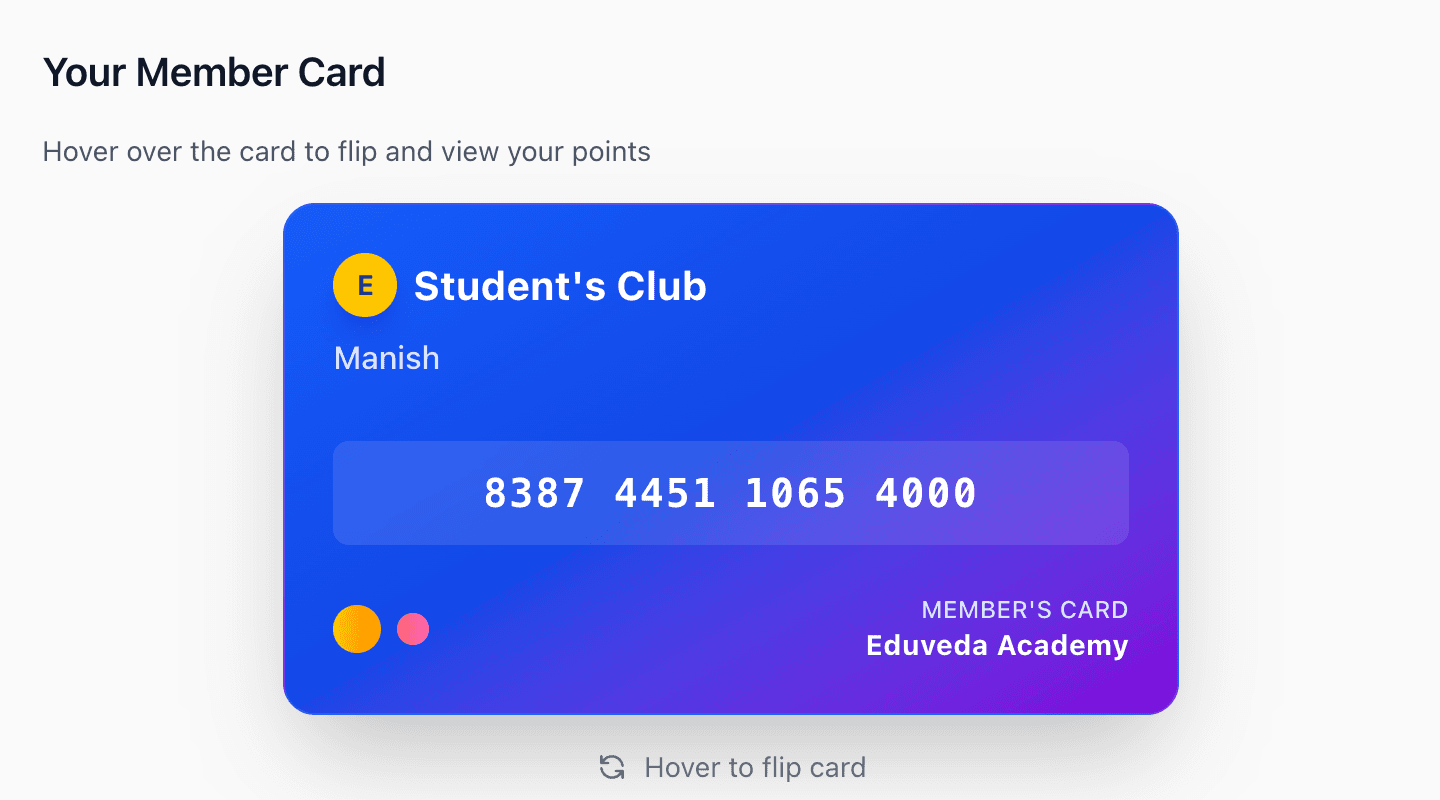
Member Card – Your Ambassador Identity
This card includes:
- Your Name (e.g., Manish)
- Your CA Membership Number
- Reward Points / Stipend Tracking
- EduVeda CA Branding
This card flips when you hover over it, giving you a premium identity as an active EduVeda Campus Ambassador.
"The Member Card acts as your official recognition badge and also stores your performance points."

Stipend Calculator – Know Your Potential Earnings
Located on the right side of the dashboard, the Stipend Calculator allows you to estimate how much stipend you can earn based on your enrollments.
How it Works:
- Enter “Number of Enrollments”
- Click Calculate Stipend
- Instantly see your potential payout
"This helps ambassadors know exactly how much they will earn even before the rewards are released."

Tier-Based Rewards – The Earning Levels
EduVeda uses a tier system to ensure fair and motivating payouts for every ambassador.
Here is the breakdown:
Bronze Tier
- 0–4 Enrollments
- ₹150 per enrollment
Silver Tier
- 5–9 Enrollments
- ₹350 per enrollment
Gold Tier
- 10+ Enrollments
- ₹500 per enrollment
The higher your performance, the higher the payout per enrollment.
This encourages ambassadors to push themselves and grow every month.

Redeem Earnings – How to Release Your Stipend
Once you have completed tasks and earned points, you can request payout through:
“Redeem Earnings” Button
How Stipend Gets Released:
- You complete tasks (Campaigns, Outreach, or Referrals)
- Team verifies the task submissions
- Verified points convert into redeemable stipend
- You click Redeem Earnings
- Payout is processed to your registered account/wallet
EduVeda follows a transparent system, ensuring all earnings are clear and trackable.
When Is Stipend Released?
Stipend is released after:
- Task verification
- Enrollment confirmation
- Tier reward calculation
- Request through Redeem Earnings
Related insights
More from General assistance
 1 min read
General assistance
How to Sign Your Student Onboarding Agreement Sent via ZoopSign ?
How to Complete ZoopSign for Eduveda Training & Internship Program What is ZoopSign? ZoopSign is a secure digital signature and document verification platform. Eduveda Traini
Manish Chaudhary
Nov 18, 2025
 1 min read
General assistance
What Is the Eduveda Training and Internship Program All About?
Discover the Eduveda Training & Internship Program The Eduveda training and internship program, offered in collaboration with top firms like AWS, provides high-impact, 2-mon
Manish Chaudhary
Nov 18, 2025